Lighthouse stairs
A lighthouse keeper climbs a spiral staircase at dusk, lantern swinging, warm light on wet stone, slow upward tracking shot, wind and gulls outside, one continuous shot.
 Remaker AI
Veo 3.1 text to video and image to video, 8 seconds with sound, up to 4K.
Remaker AI Video Generator8-second clips up to 4K with soundVeo 3.1 Fast · Lite · Basic · Premium
Prompts that work in the video workspace. Use one as is, or copy it and change the subject.
A lighthouse keeper climbs a spiral staircase at dusk, lantern swinging, warm light on wet stone, slow upward tracking shot, wind and gulls outside, one continuous shot.
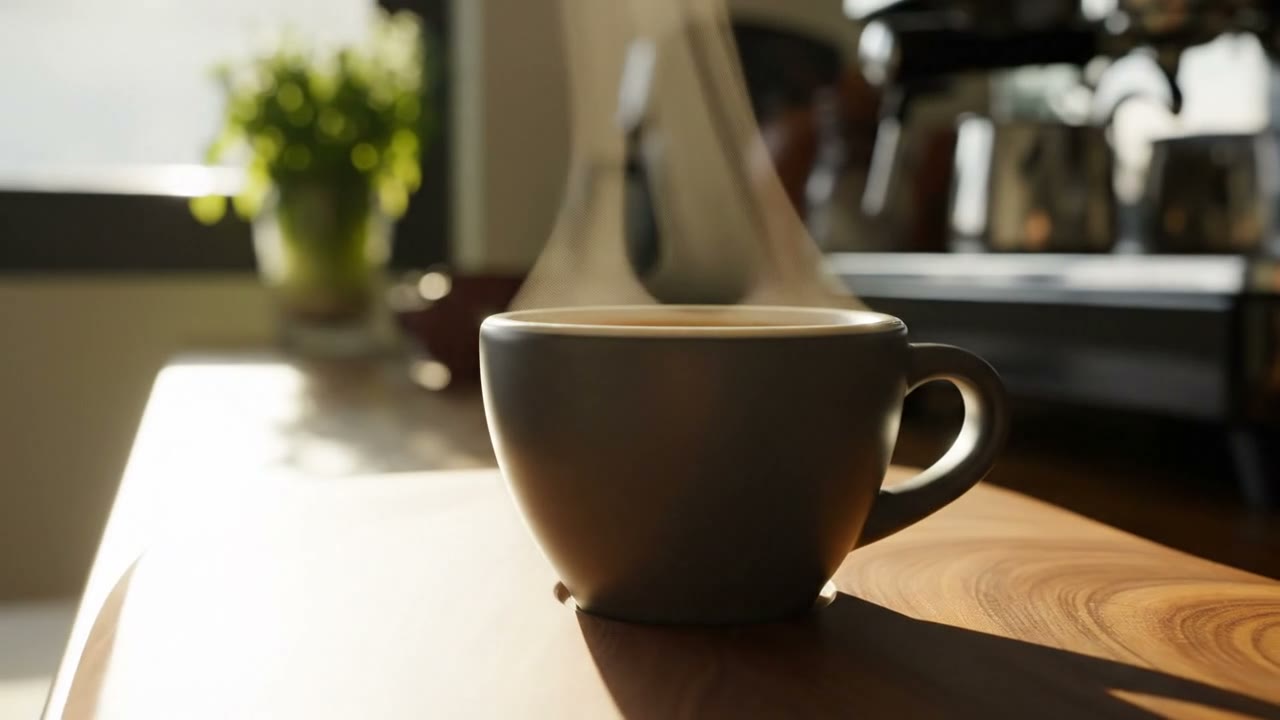
A matte ceramic espresso cup on a walnut counter, steam rising, slow 180-degree camera orbit, soft morning light, kitchen ambience, no cuts.
Vertical clip: a skateboarder lands a trick in an empty parking garage, handheld camera follows from behind, neon tubes overhead, wheels on concrete, slight motion blur.
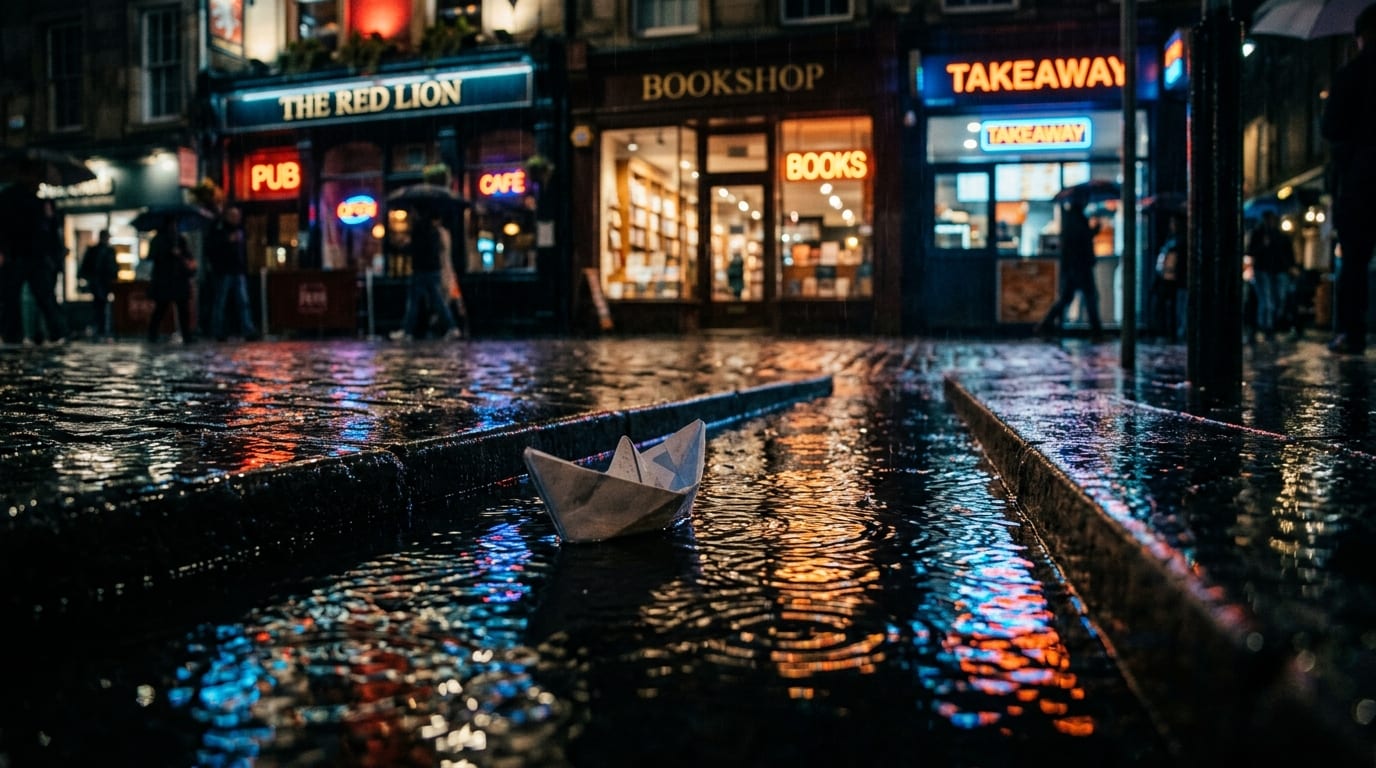
A paper boat drifts along a rain gutter past a row of shop fronts, low camera at water level, raindrops rippling, reflections of neon signs, gentle rain sound.
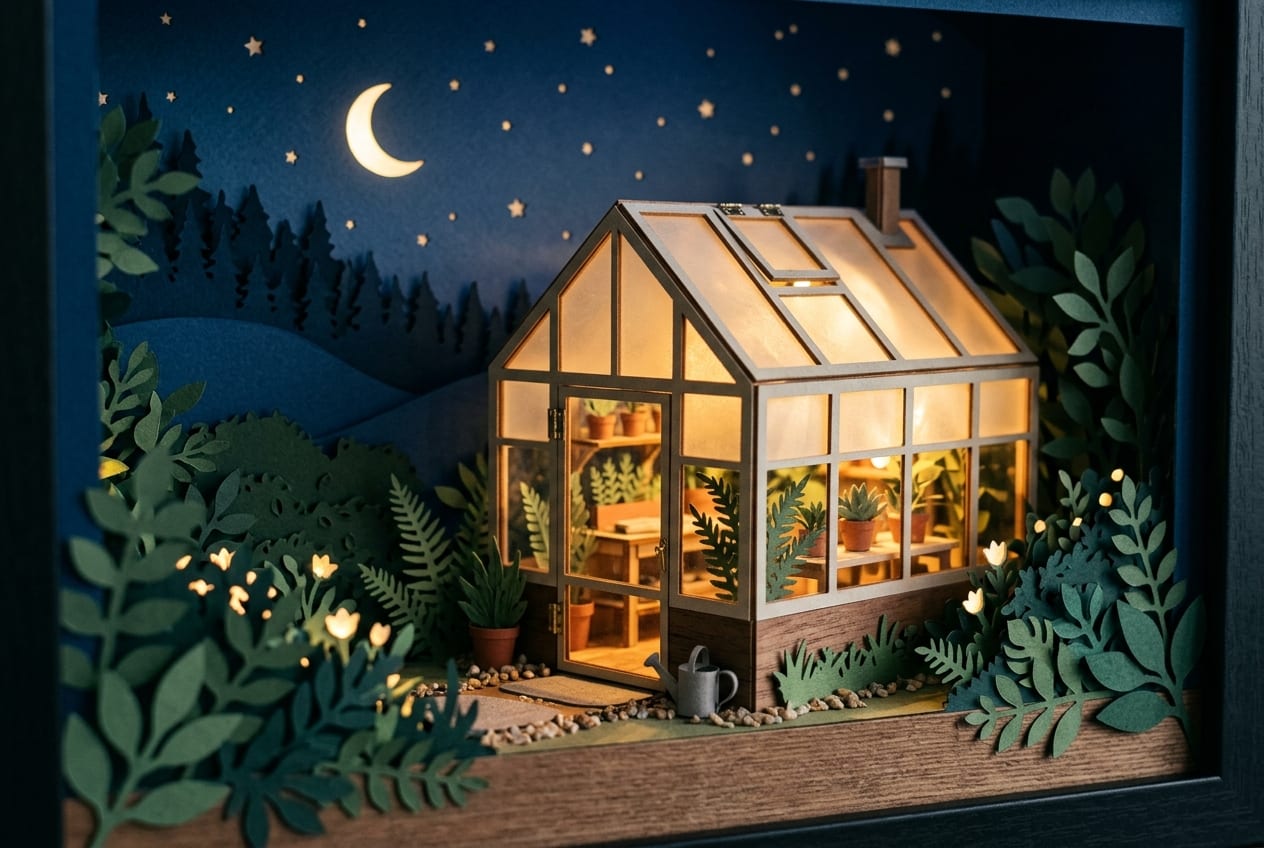
Timelapse-style shot inside a glass greenhouse at dawn, light sweeping across rows of seedlings, condensation on the panes, slow push-in, birdsong.
Slow lateral pan across a spice market stall, pyramids of saffron, paprika and turmeric, a vendor scooping with a brass spoon, dust in warm sunlight, market chatter.
View from a train window at golden hour, fields and power lines passing, reflections of a coffee cup on the glass, steady camera, rail rhythm under soft ambience.
A wooden cabin in falling snow at blue hour, warm light in the windows, smoke from the chimney, slow drone descent toward the door, muffled wind.
From social clips to product reveals, the four Veo 3.1 routes cover the brief.
Animate a product shot, portrait or illustration into a vertical 8-second clip with sound, ready for Reels, TikTok and Shorts.
Turn a static packshot into a slow orbit, a reveal or a lifestyle scene with Veo 3.1, without a production shoot.
Write the subject, camera move, light and mood and let Veo 3.1 render the shot with its own ambience and effects on the same timeline.
Each route under its real name, with its own resolutions and published credit price.
Veo 3.1 turns a prompt or a still from Remaker AI into an 8-second clip with native audio. Fast and Lite for quick drafts, Basic for frame control on the official channel, Premium for cinema-grade 4K.
Loading plans…
Veo 3.1 Fast, Veo 3.1 Lite, Veo 3.1 Basic and Veo 3.1 Premium. Fast, Basic and Premium offer text to video and image to video; Lite is text to video only. Every clip is 8 seconds with native audio.
Your image becomes the first frame. Veo 3.1 reads your prompt for motion, camera and atmosphere and renders the frames that follow while keeping the subject and style of the original. An optional second image sets the end frame.
Every Veo 3.1 clip is 8 seconds. Choose 16:9 or 9:16 and 720p or 1080p; Veo 3.1 Premium also renders 4K.
Yes. Every Veo 3.1 route generates native audio, ambience, effects and voices described in the prompt, on the same timeline as the picture.
Each 8-second clip has a published price: Veo 3.1 Lite 75 credits, Veo 3.1 Fast 100, Veo 3.1 Basic 150, Veo 3.1 Premium 200. Yearly Starter takes 20% off, yearly Pro 40% off, and Unlimited runs them at 0 credits.
Only with their permission and within our terms. Remaker AI does not provide face swapping, and uploads must not be used to impersonate anyone.
Upload a still, describe the motion and watch the real provider progress. The quote is on screen before you generate.
Get started free