






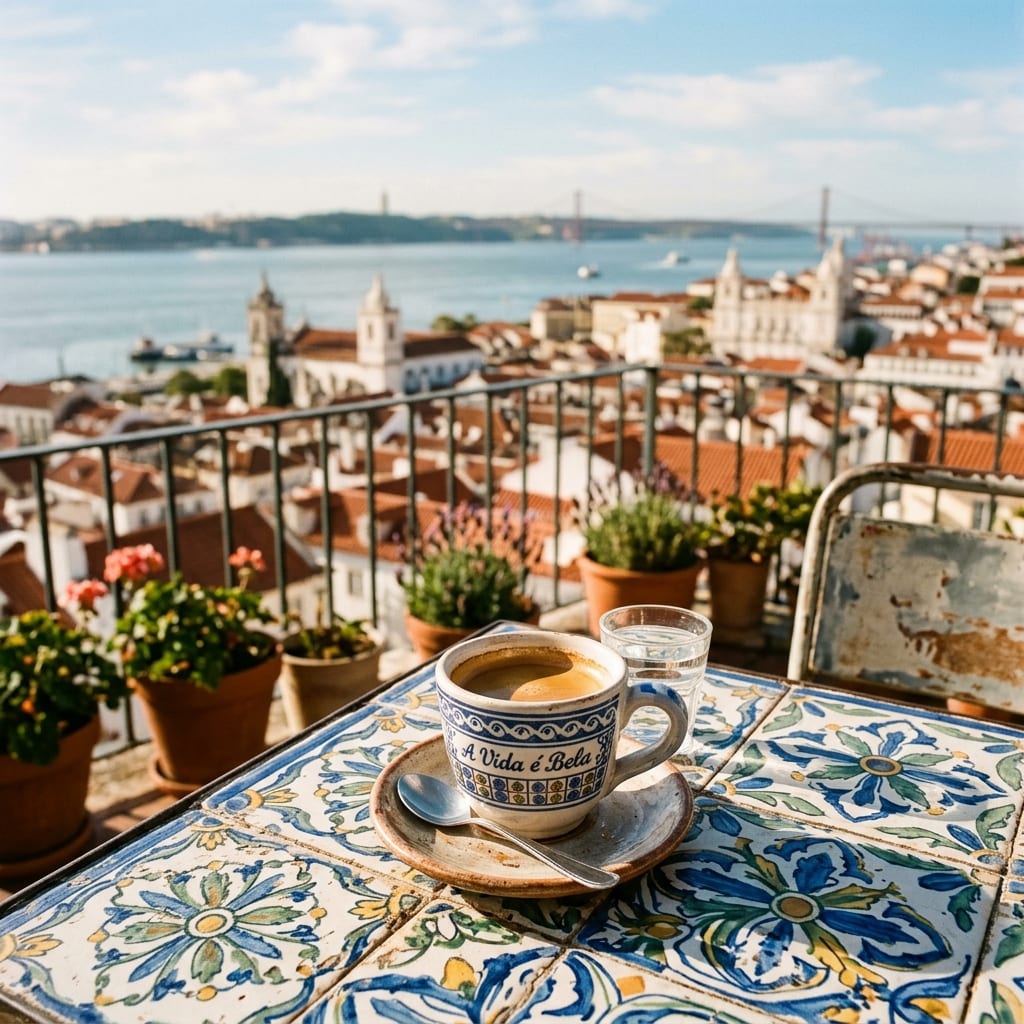
Lisbon rooftop espresso
A ceramic espresso cup on a hand-painted azulejo table on a sun-drenched Lisbon rooftop, terracotta roofs and the river out of focus behind, soft morning light, 35mm film grain, editorial travel photography, 4K.
 Remaker AI
Free Nano Banana AI image generator, editor and upscaler.
Remaker AI Image GeneratorImages up to 4KPrice shown before every run
Prompts that produce real results in the Remaker AI workspace. Use one as is, or copy it and change the subject.
A ceramic espresso cup on a hand-painted azulejo table on a sun-drenched Lisbon rooftop, terracotta roofs and the river out of focus behind, soft morning light, 35mm film grain, editorial travel photography, 4K.
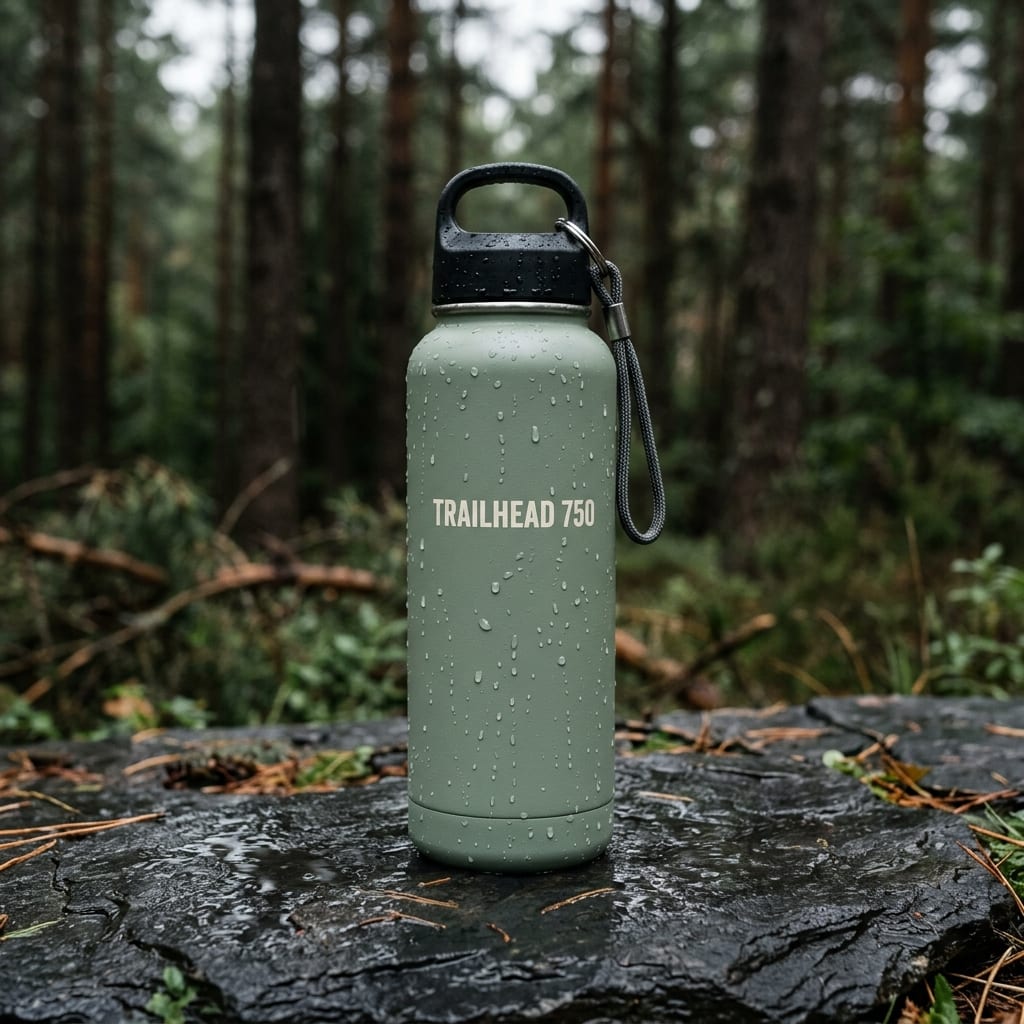
Product photograph of a matte sage-green insulated water bottle standing on wet dark slate, the label reads "TRAILHEAD 750" in a clean sans serif, water droplets on the bottle, blurred pine forest behind, overcast light, 1:1.
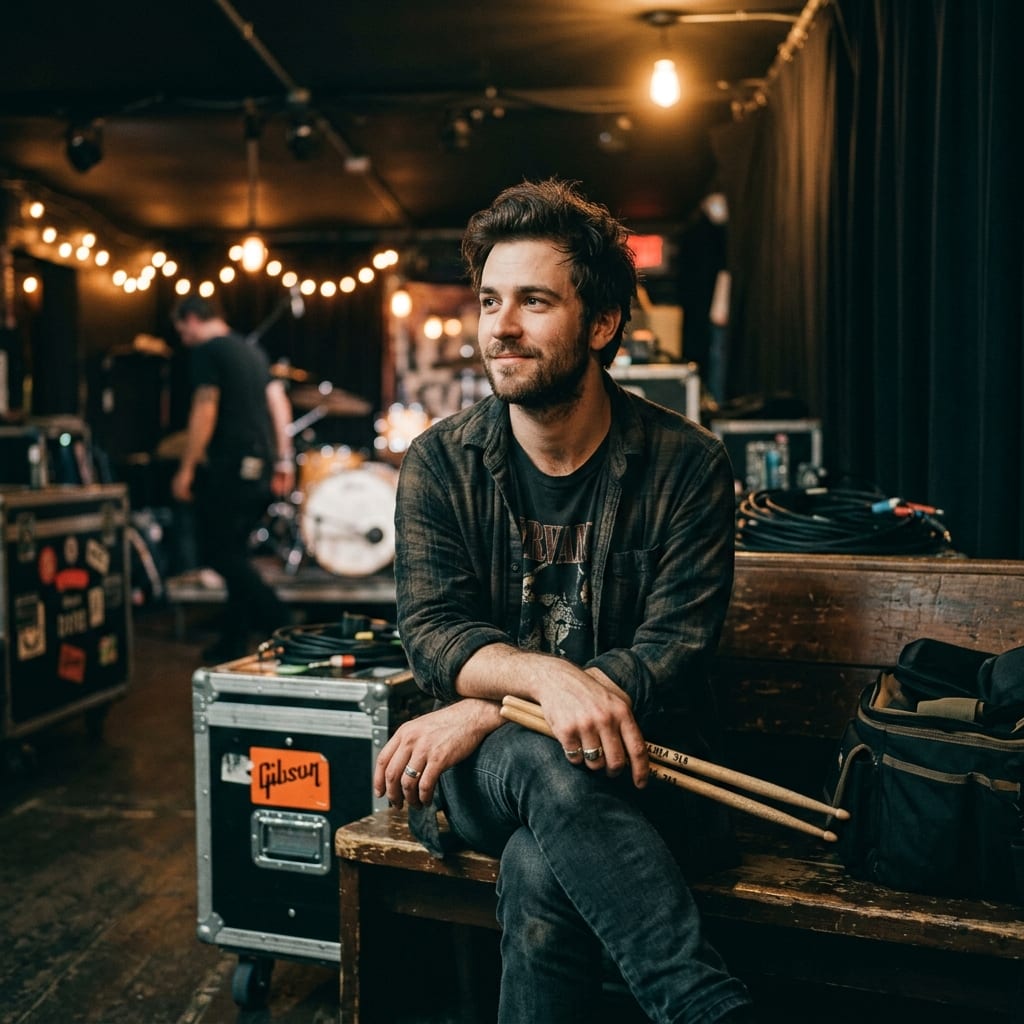
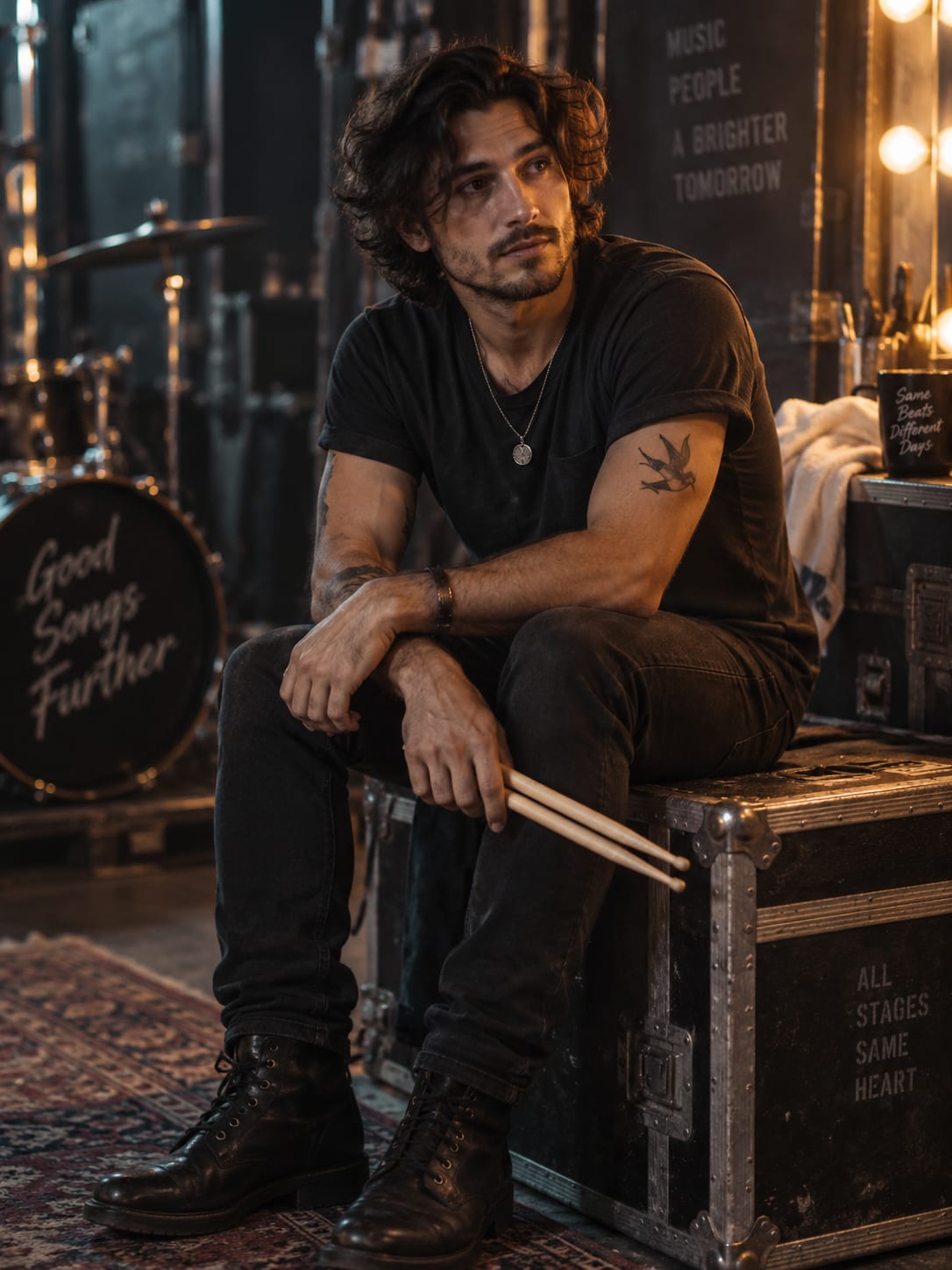
Editorial portrait of a drummer resting backstage, drumsticks across the knee, warm tungsten lamps, shallow depth of field, fine grain, muted teal and amber palette, quiet confidence.
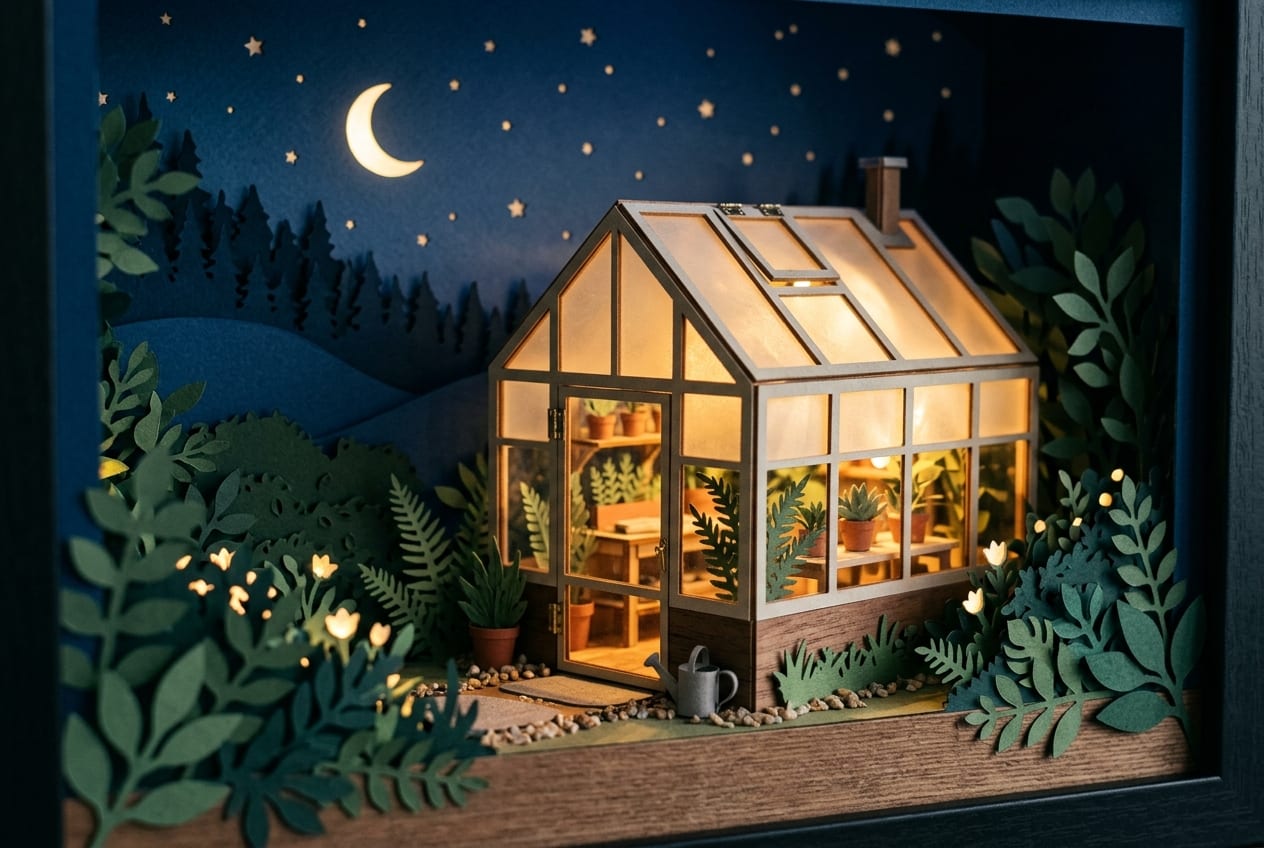
A paper-cut diorama of a tiny glass greenhouse at night, warm lamps glowing inside, layered card stock plants, deep blue night sky, shallow depth of field, craft photography, 3:2.
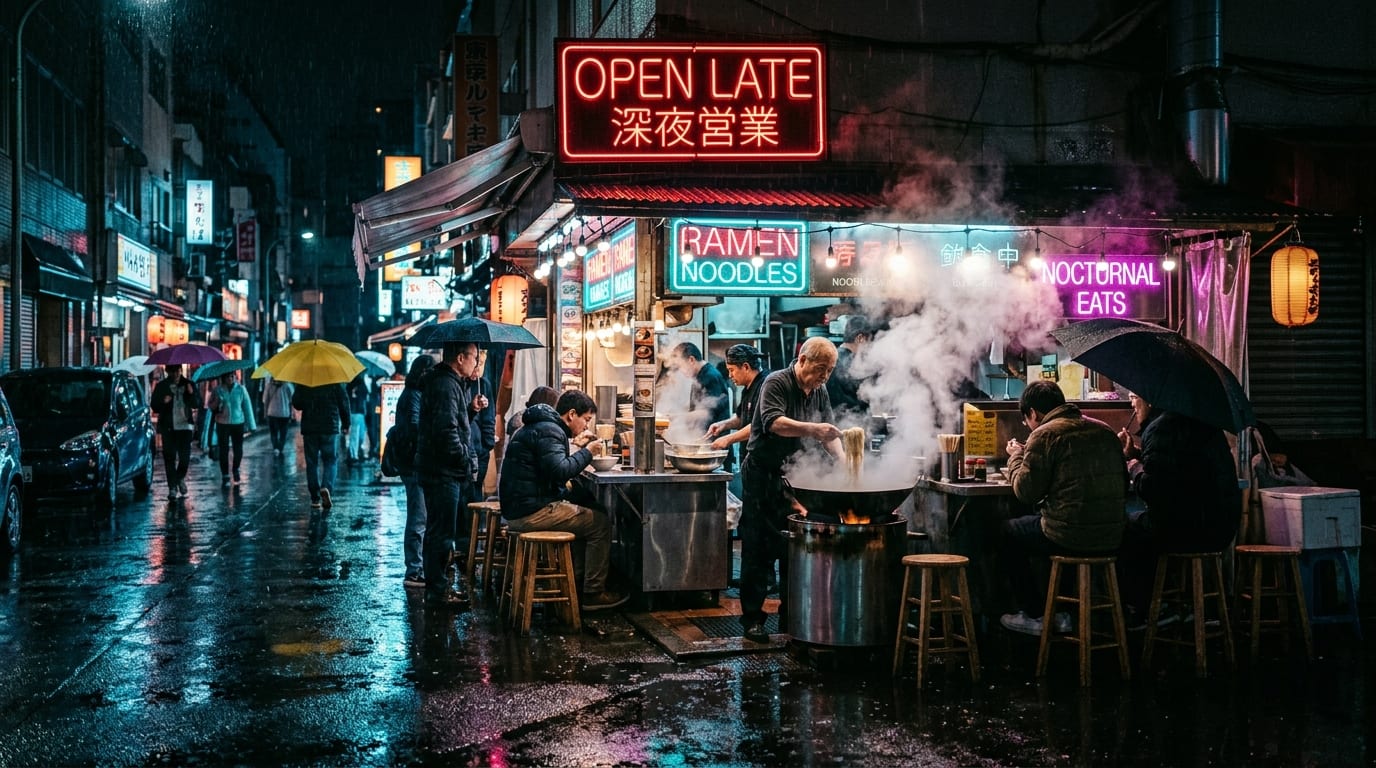
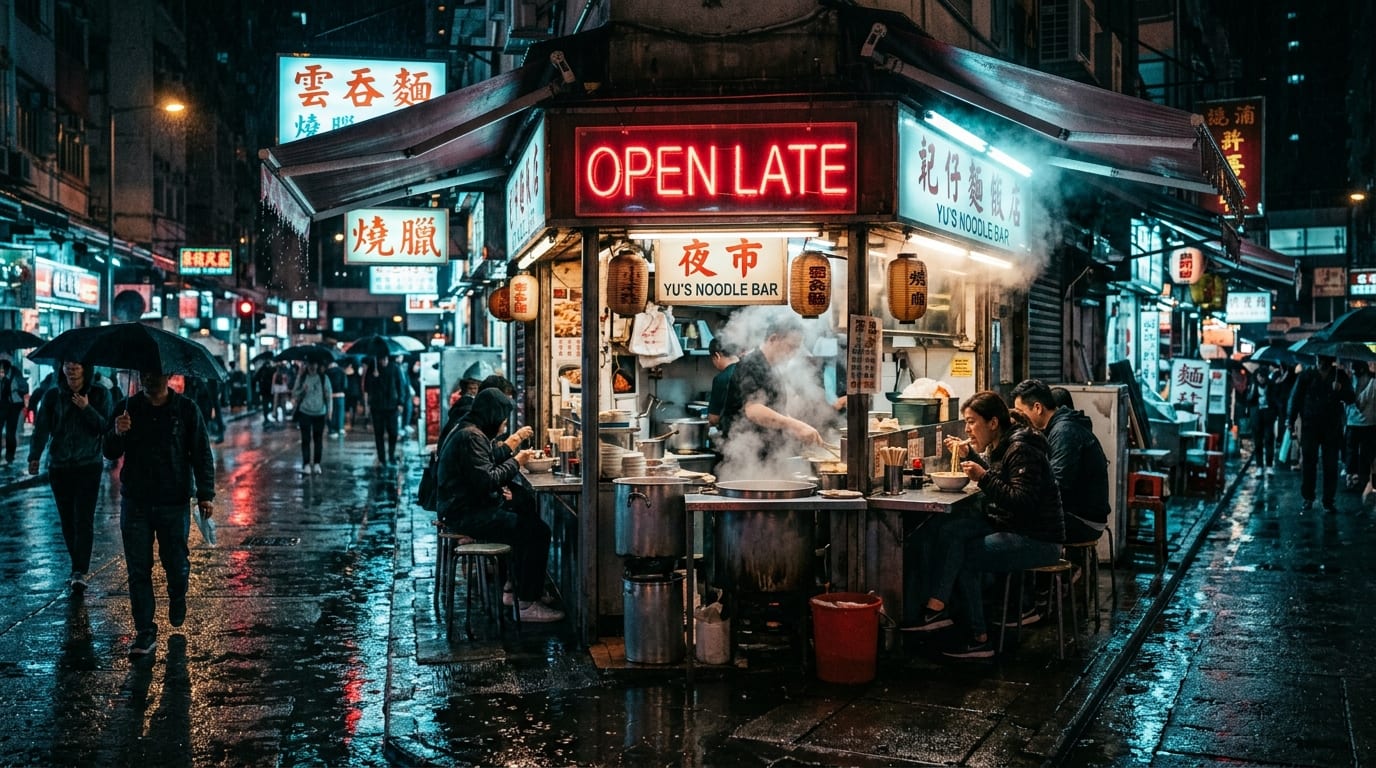
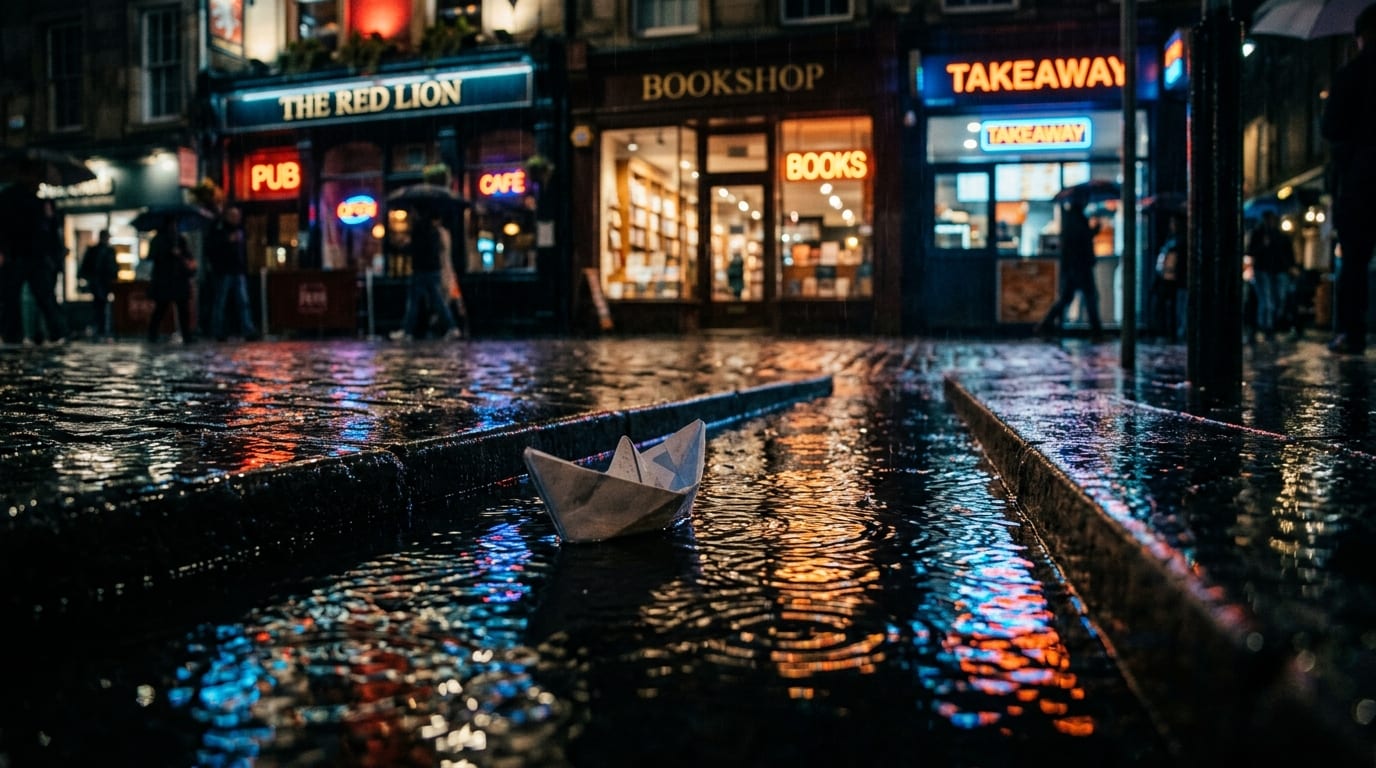
A rain-soaked street noodle bar at night, steam rising under a red neon sign that reads "OPEN LATE", wet reflections, cinematic cyan and magenta light, candid documentary style, 16:9.
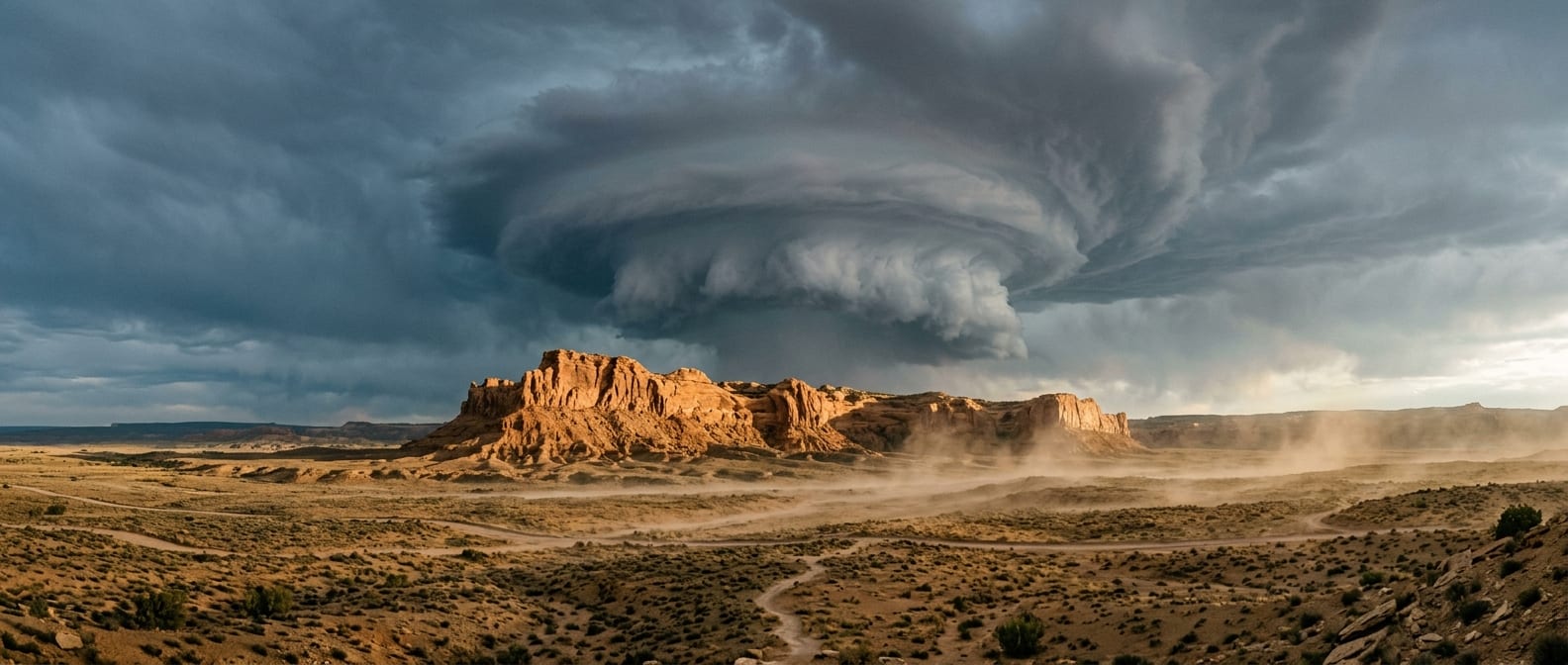
Wide landscape photograph of a lone sandstone ridge under a towering supercell cloud, warm sunlight on the rock against a slate-blue sky, dust lifting from the ground, dramatic scale, National Geographic style, 21:9.
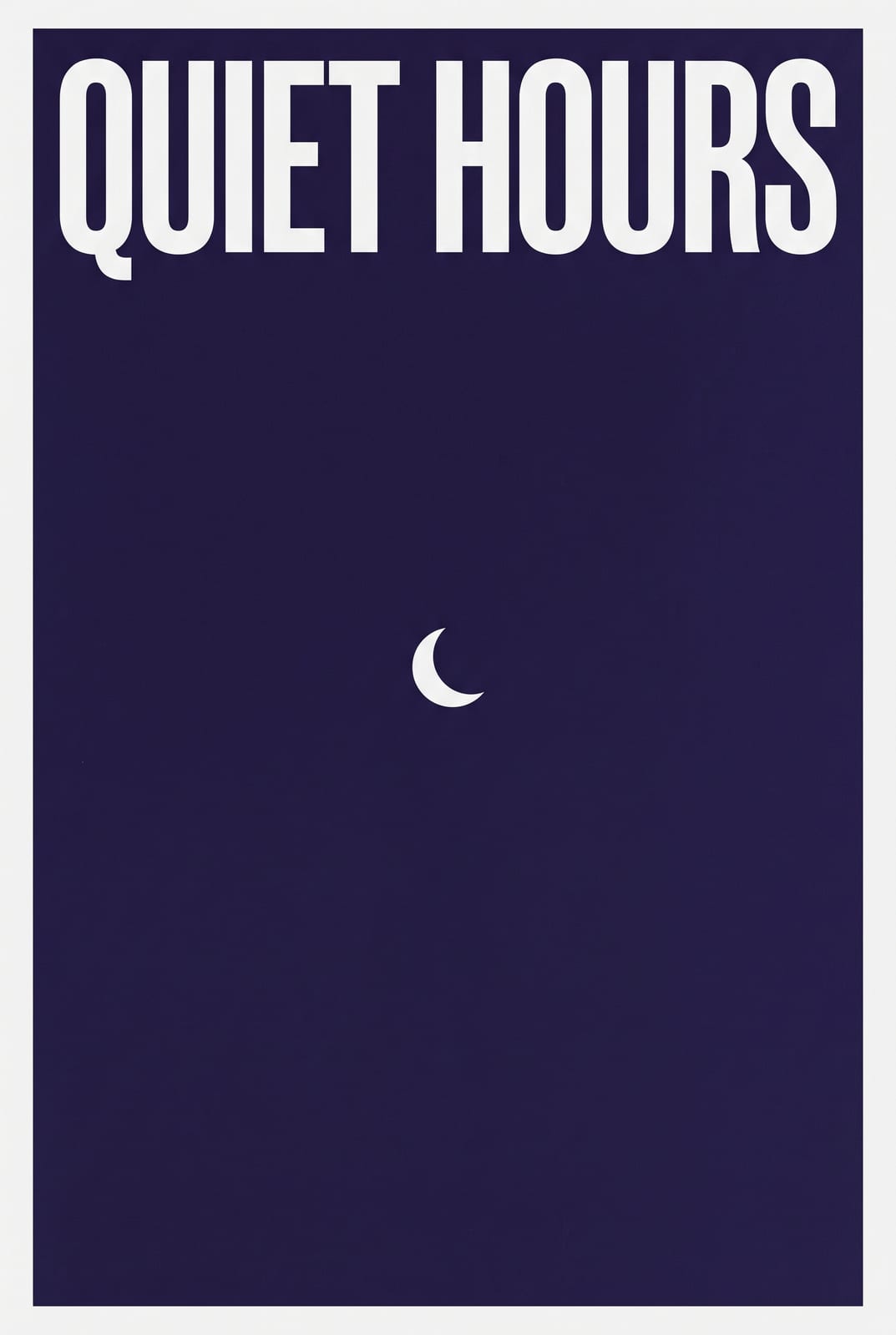
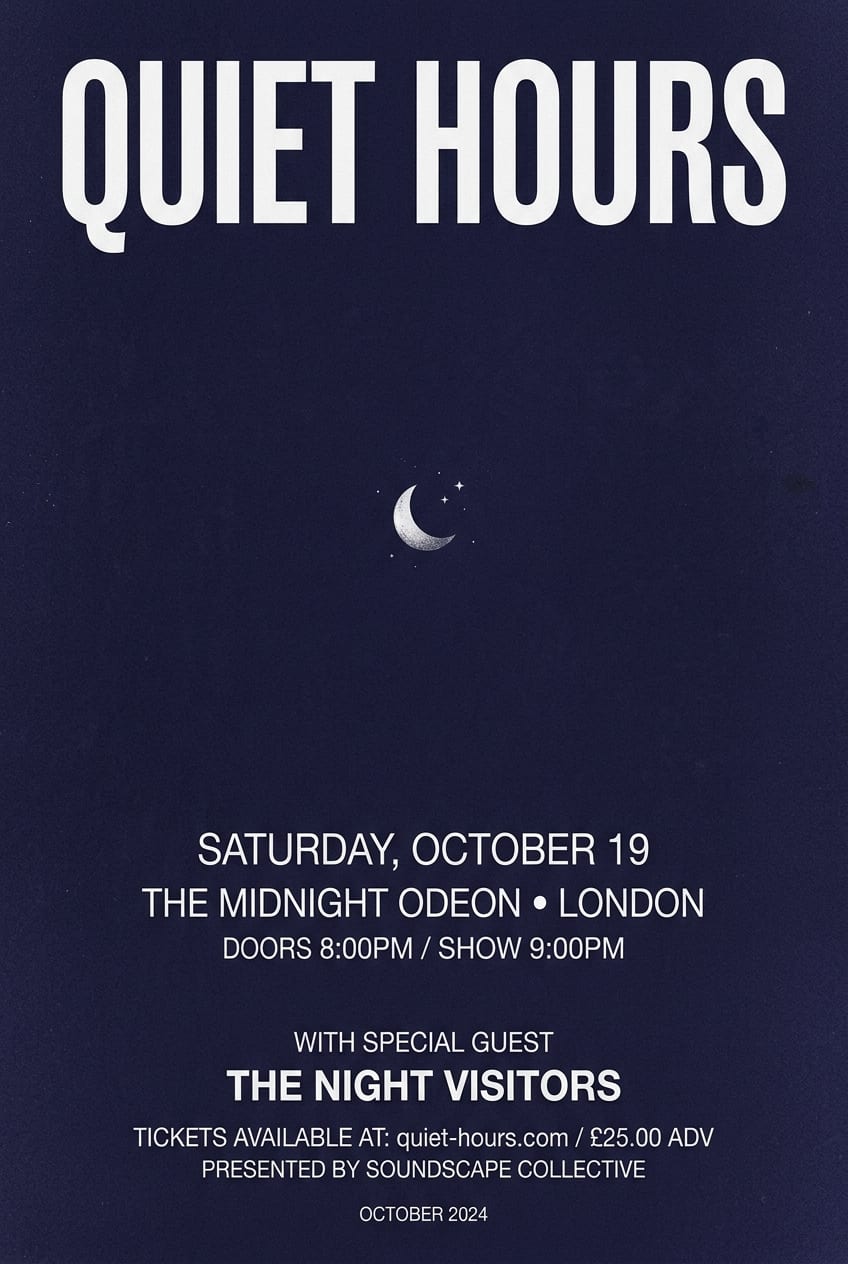
A minimalist concert poster: a single bold headline "QUIET HOURS" in condensed white type on a deep indigo background, a small moon illustration, grain texture, Swiss layout, 2:3.
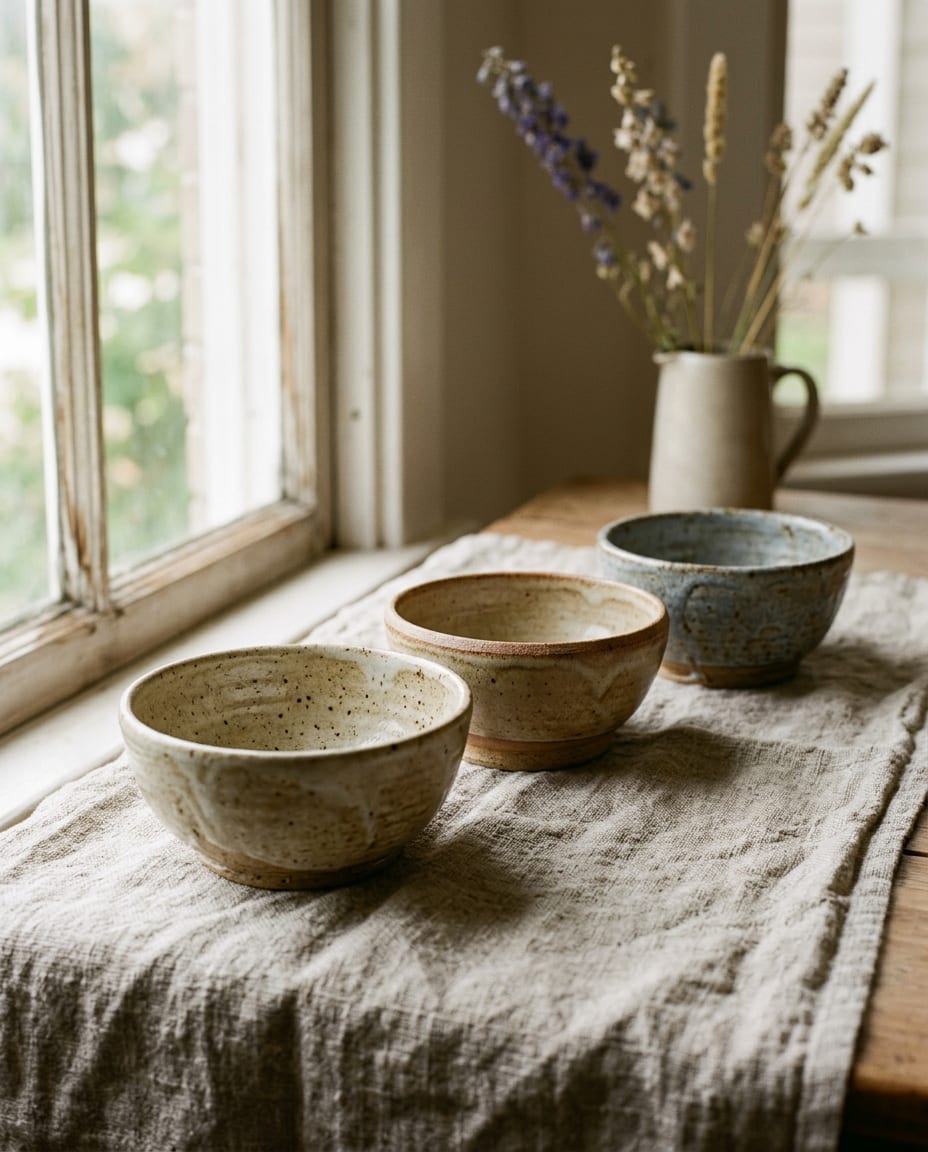
Still life of three hand-thrown stoneware bowls on raw linen, morning window light from the left, soft shadows, warm neutral palette, fine art photography, 4:5.
How creators and businesses use Remaker AI to make, transform and animate visuals, from quick style edits with Nano Banana to 4K finals with Nano Banana Pro.
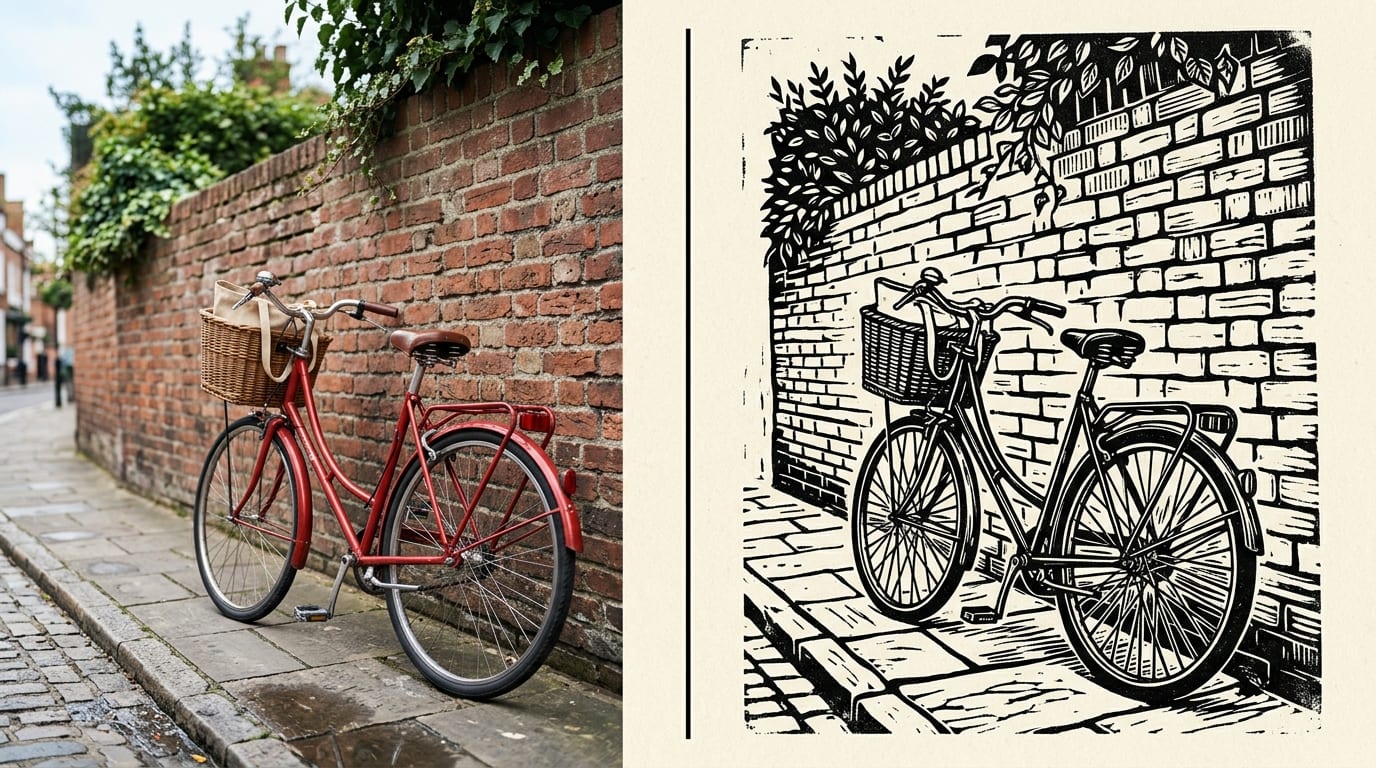
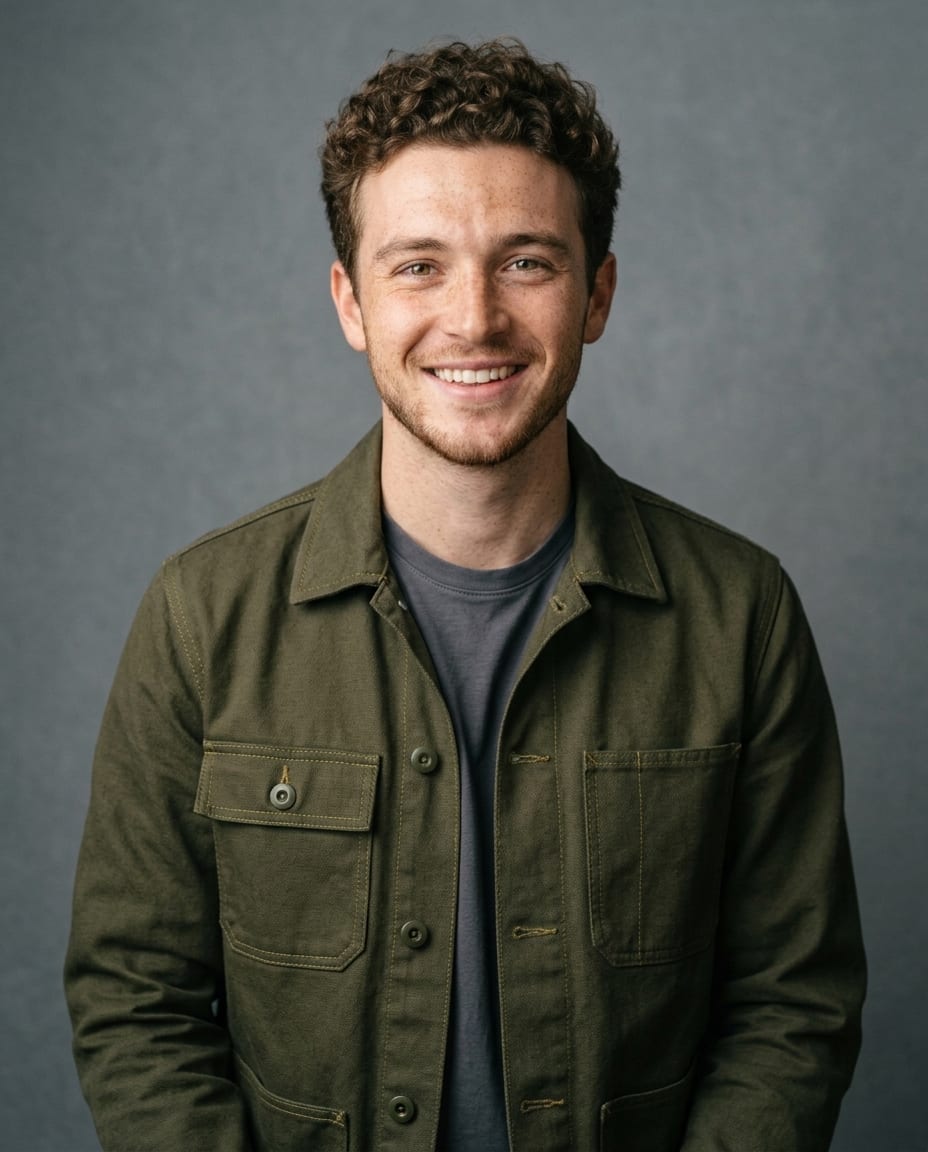
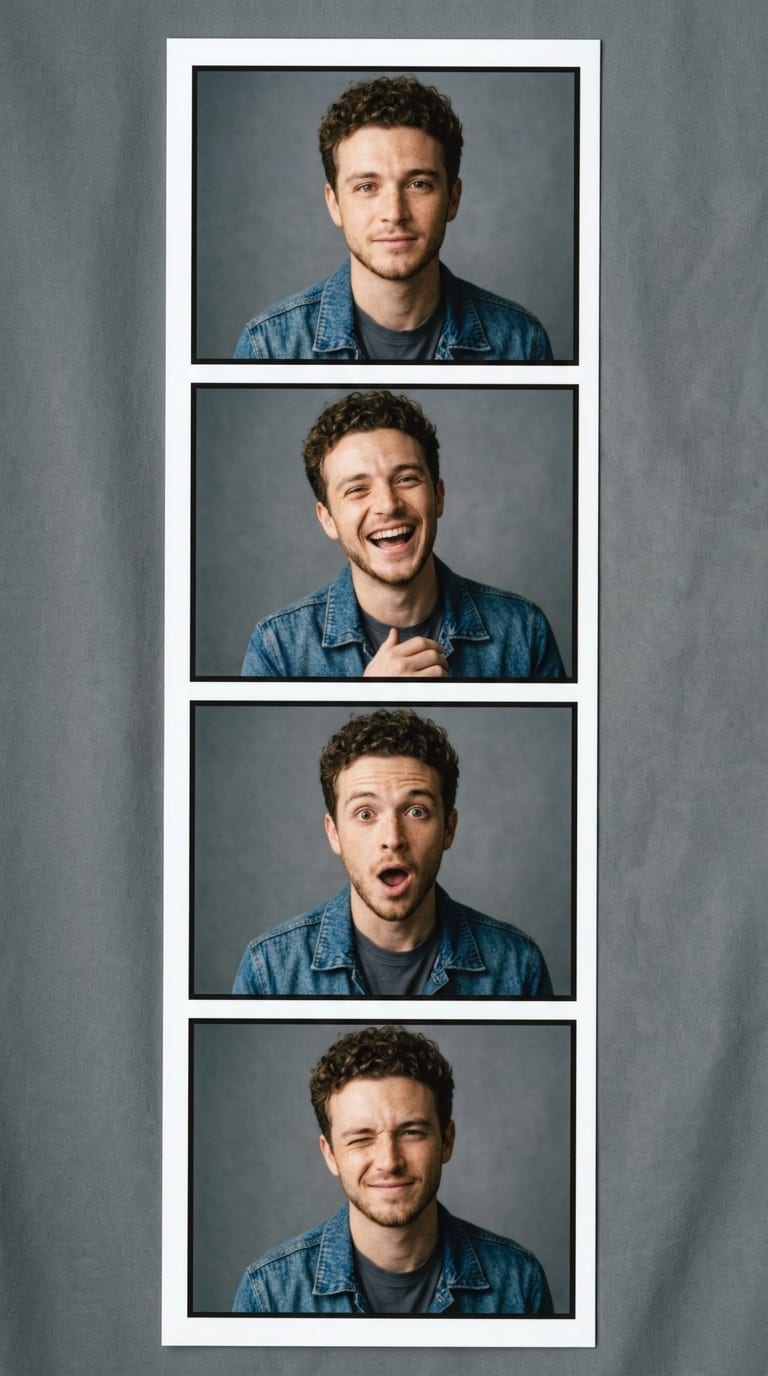
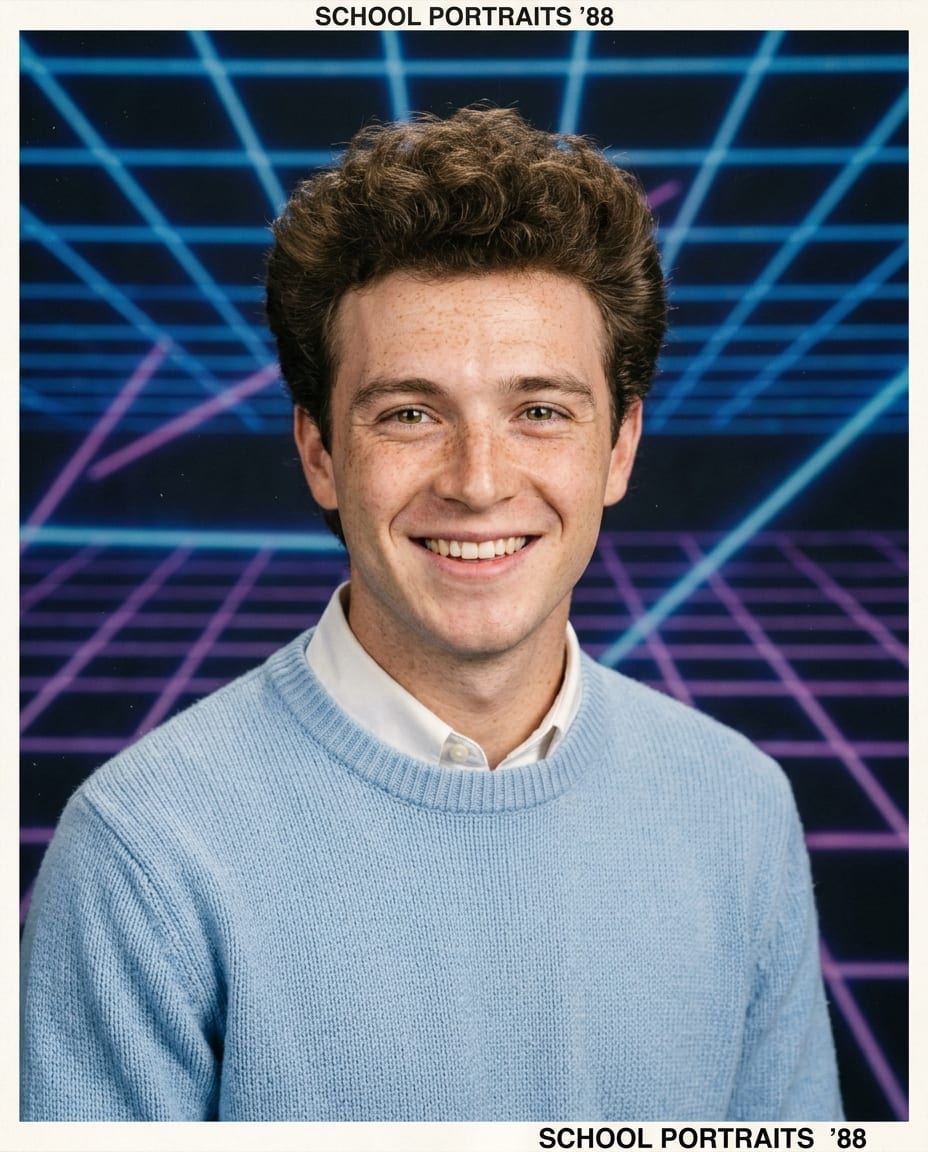
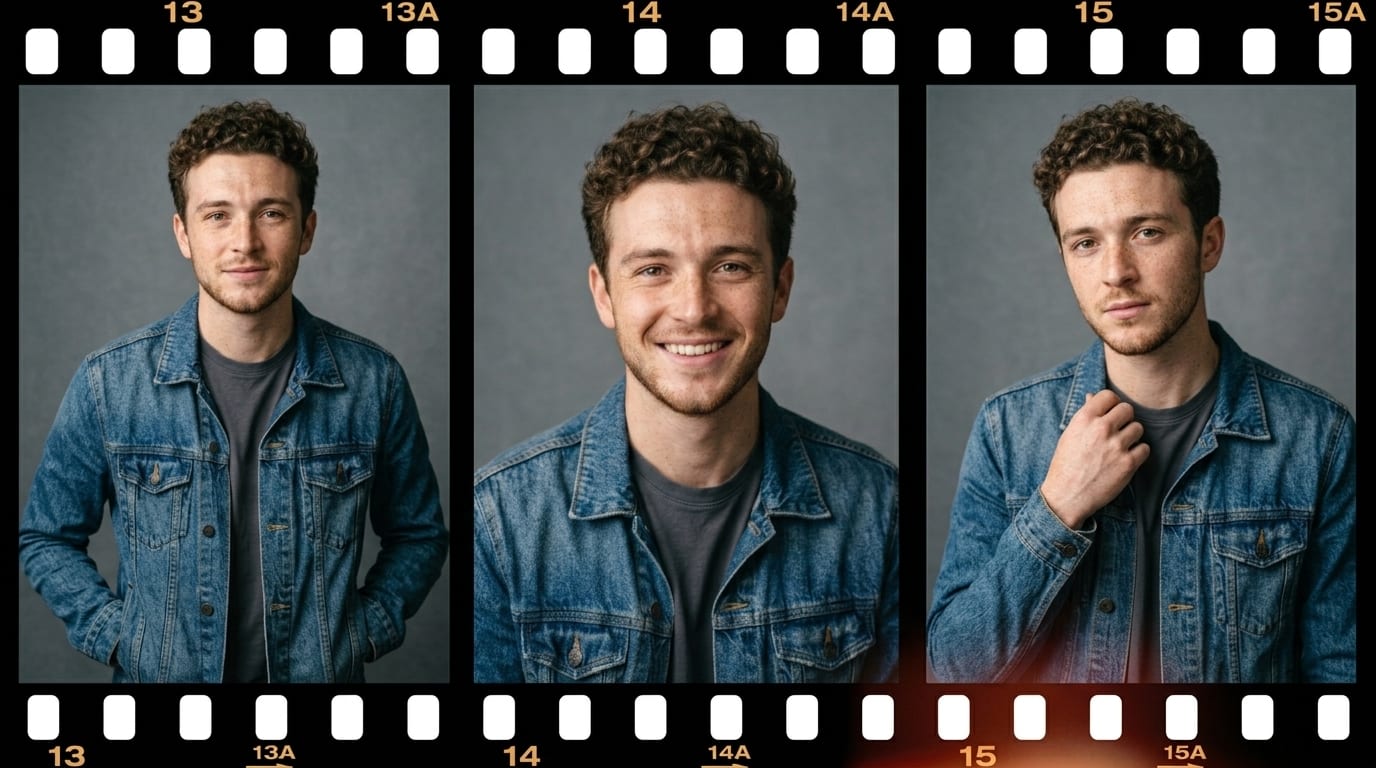
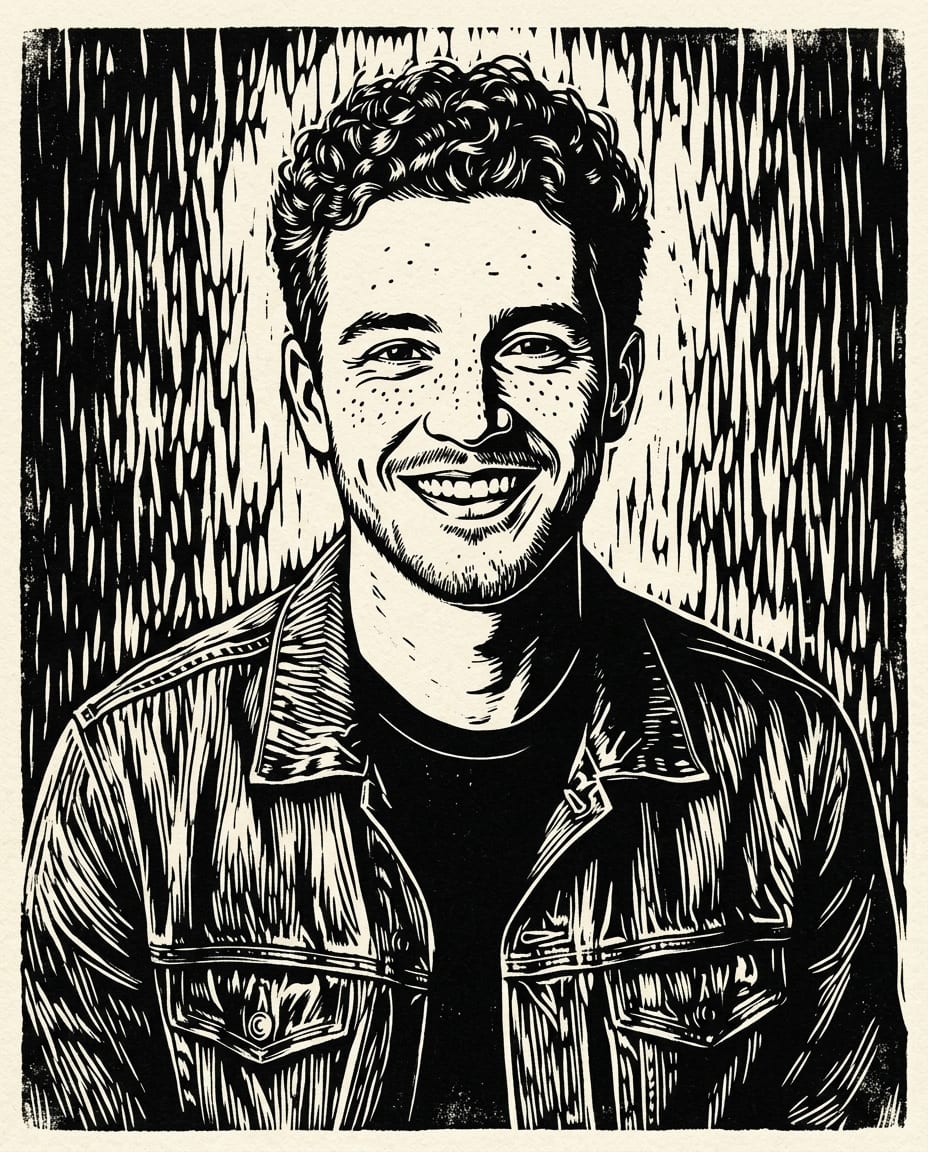
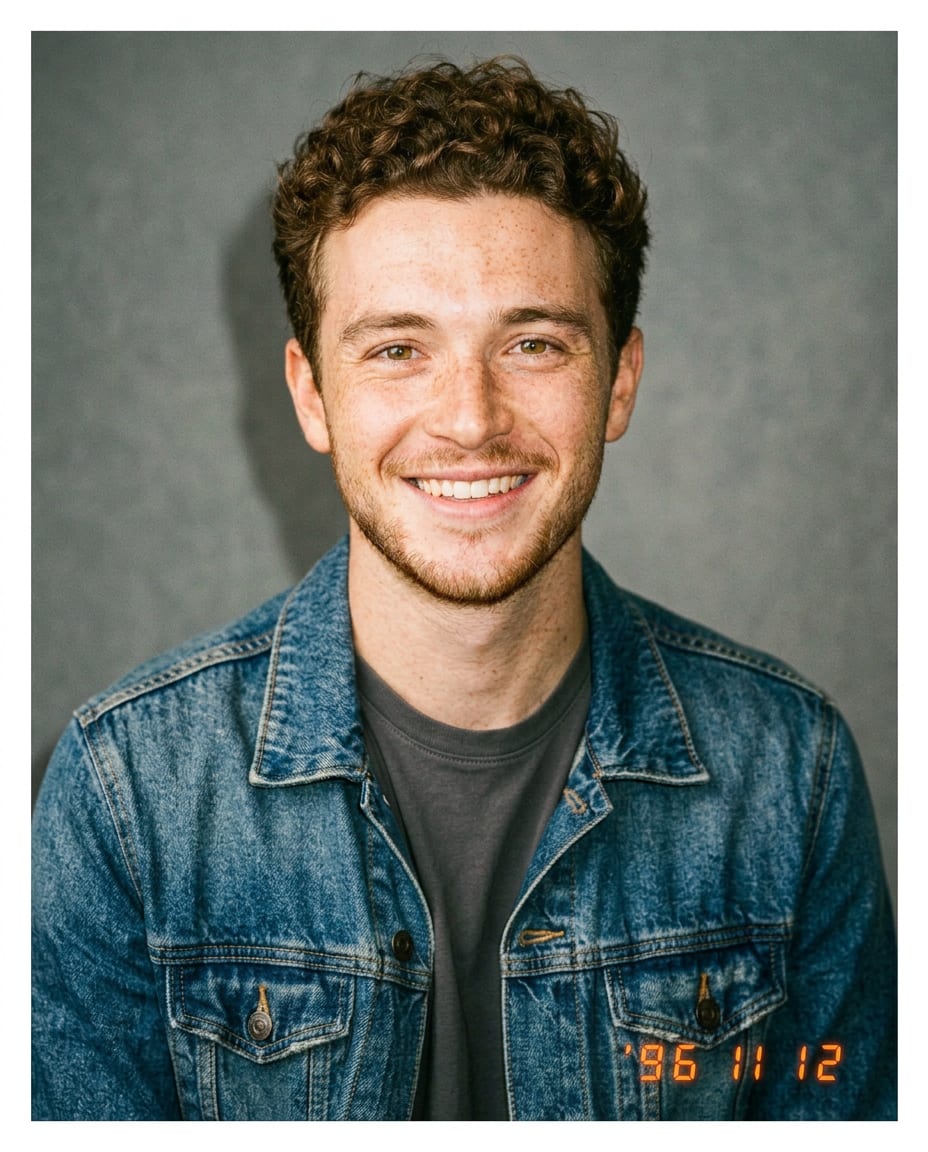
Turn a photo into a linocut, an anime frame, a 90s film snapshot or a product render while keeping the subject recognisable. Nano Banana reads the picture and the instruction together.
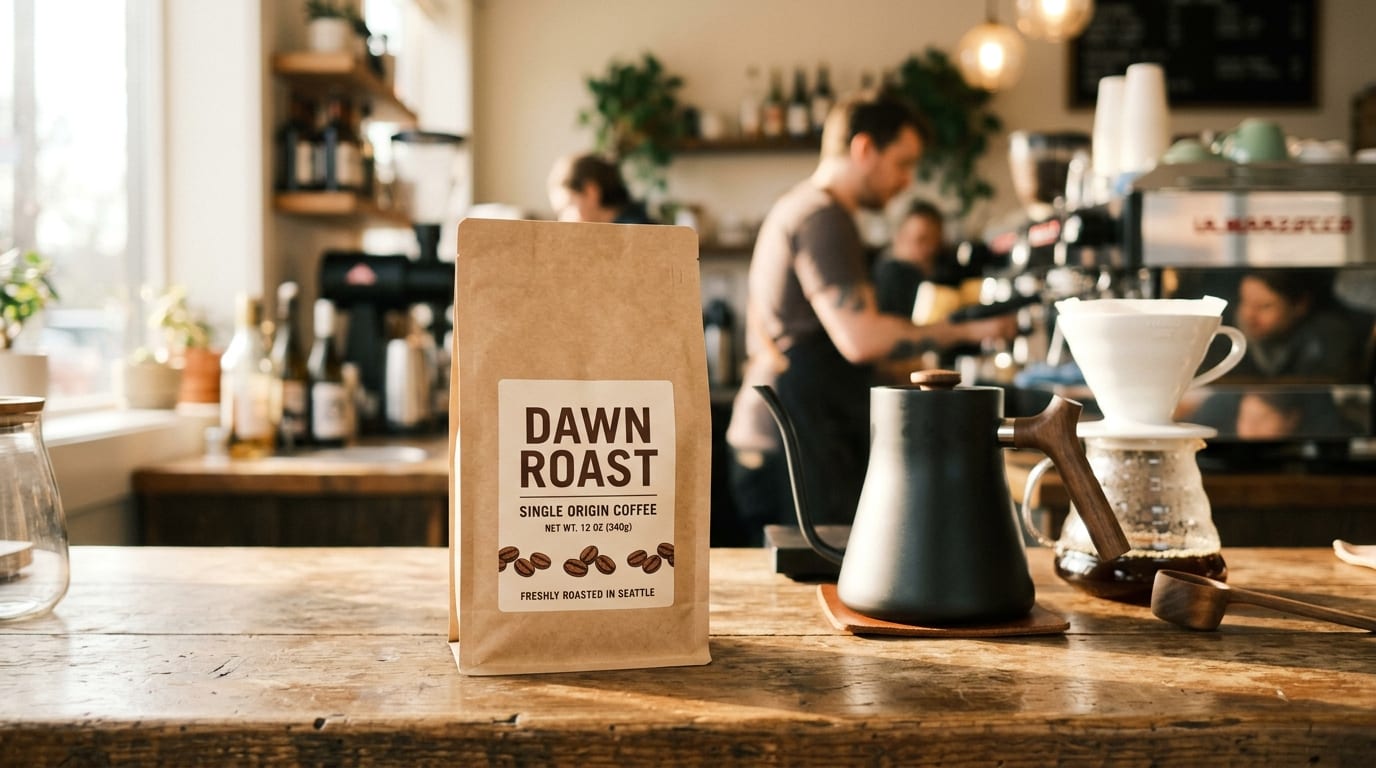
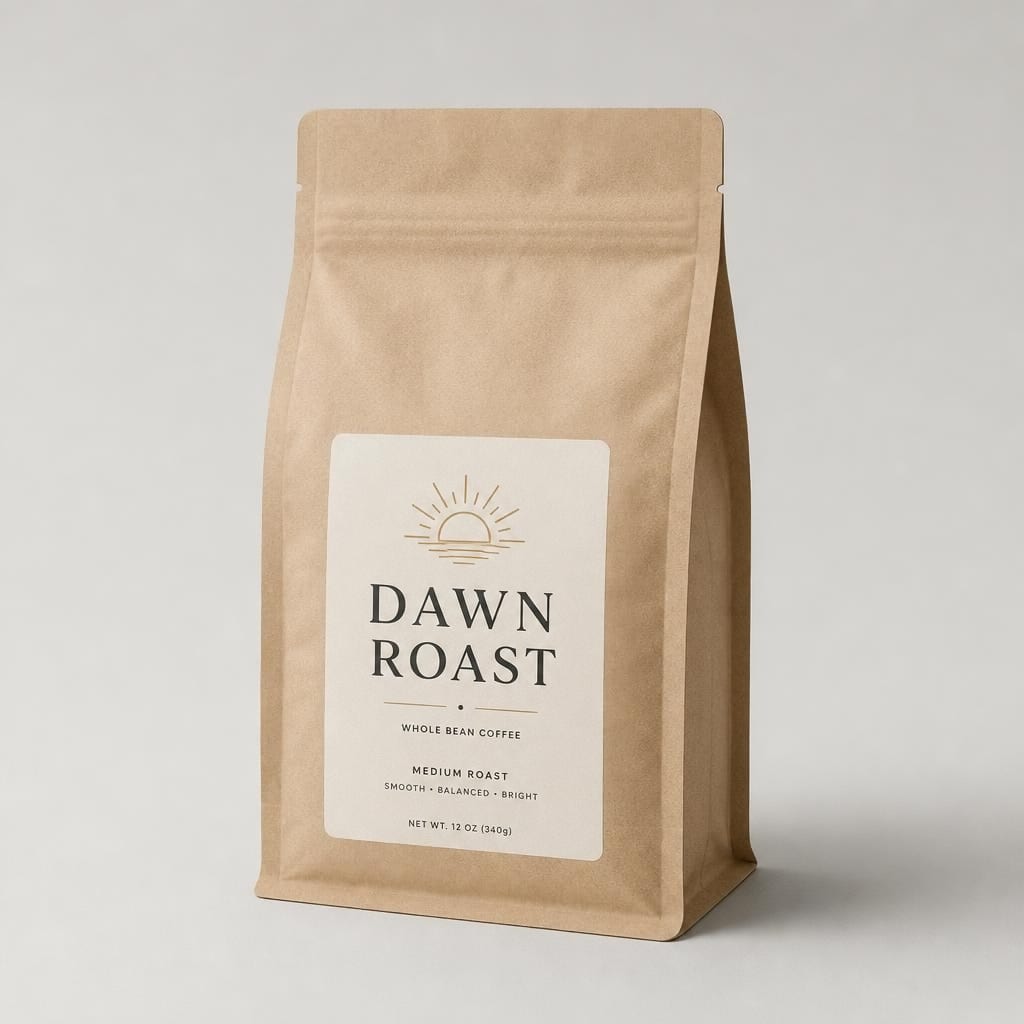
Packshots on new backdrops, lifestyle scenes, seasonal variations and legible labels with Seedream 5 Pro and GPT Image 2, without a reshoot.
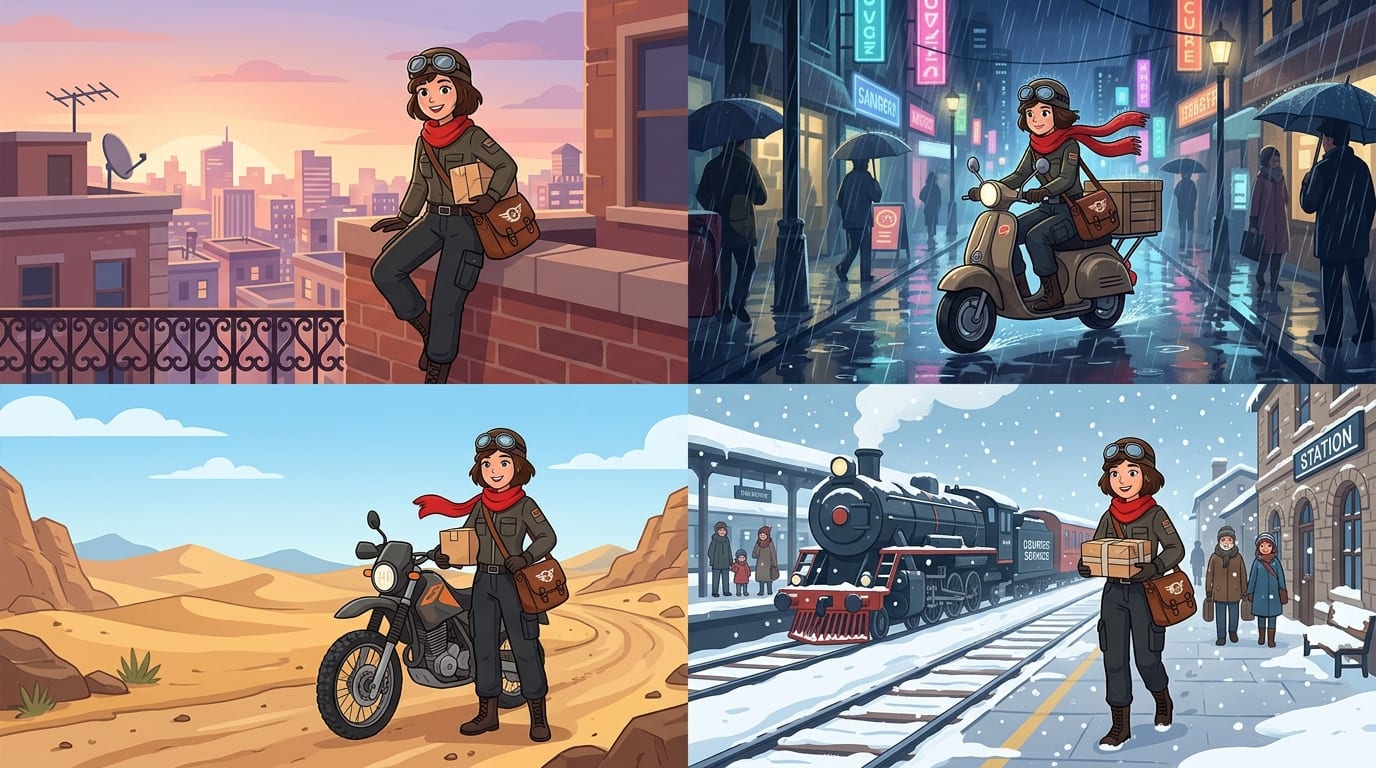
Generate four variations per request, keep a character or brand palette consistent with reference images, and export in every feed size from 9:16 to 16:9.
Send any image you generate straight to the video workspace. Veo 3.1 animates it as an 8-second clip with natural motion and native audio, and an optional end frame decides where it lands.
Remaker AI brings the leading image models and a video wing into one workspace. Pick a family to see what it is for.
Nano Banana Pro is the slower, higher-fidelity Nano Banana route. Remaker AI runs it for final stills, product renders and layouts with text, with output up to 4K and up to 14 reference images per request.
Loading plans…
Remaker AI is an AI image generator, editor and upscaler. It runs Nano Banana, Nano Banana 2, Nano Banana Pro, GPT Image 2, GPT Images 2.5, Seedream 5, Flux Kontext, GPT-4o Image, Qwen Image and Grok Imagine in one workspace, adds one-click upscaling, background removal and photo presets, and turns images and prompts into video with Veo 3.1.
Images: GPT Images 2.5 Sunburst and Flare, GPT Image 2, Nano Banana Pro, Nano Banana 2, Nano Banana 2.1, Nano Banana 2 Lite, Nano Banana, Seedream 5.0 Flash, Lite and Pro, Seedream 4.0, Flux Kontext Pro and Max, GPT-4o Image, Qwen Image 2.0 and Grok Imagine. Video: Veo 3.1 Fast, Lite, Basic and Premium. The picker lists 33 image routes and 7 video routes with their prices.
Open a tool page, choose Text to Image or Image to Image, write a prompt or upload a photo, pick the image size, resolution and number of images, check the credit price and generate. Edits read the source and your instruction together, so say what must stay unchanged.
Yes. Open the AI Video workspace, choose Image to Video, upload the still and describe the motion. Veo 3.1 Fast, Basic and Premium animate it as an 8-second clip with native audio; an optional end frame controls where the clip lands.
Yes. Nano Banana routes accept up to 14 reference images, GPT Image routes up to 15, Seedream 5 up to 10 and Flux Kontext up to 4, which keeps characters, products and styles consistent across generations. The workspace shows the limit of the selected model.
You may use the images and videos you generate in personal and commercial projects under our terms, subject to the rights of anything you upload. Downloads carry no watermark on any plan.
Yes. Switch the model in the picker and generate again with the same prompt; every result is saved to your account history with the model that produced it, so you can compare them side by side.
Browsing the tools, the model list and the prices is free. New accounts start on the Free plan, which runs a selected set of models at 1K with the credits from the welcome gift and daily check-in. Starter, Pro and Unlimited plans unlock every model and resolution.
Images usually return in seconds; Nano Banana and Seedream 5.0 Flash are the fastest, Nano Banana Pro and GPT Image 2 take a little longer at 4K. Veo 3.1 clips take one to several minutes depending on the route and resolution.
No. Remaker AI does not offer face swapping or any tool that places a real person into generated media, and it is not affiliated with any other product that uses the name Remaker. Upload only images you have the right to use.
Generate with Nano Banana, edit with Flux Kontext, lay out text with Seedream, then animate with Veo 3.1. The price is on screen before you generate.
Get started free