
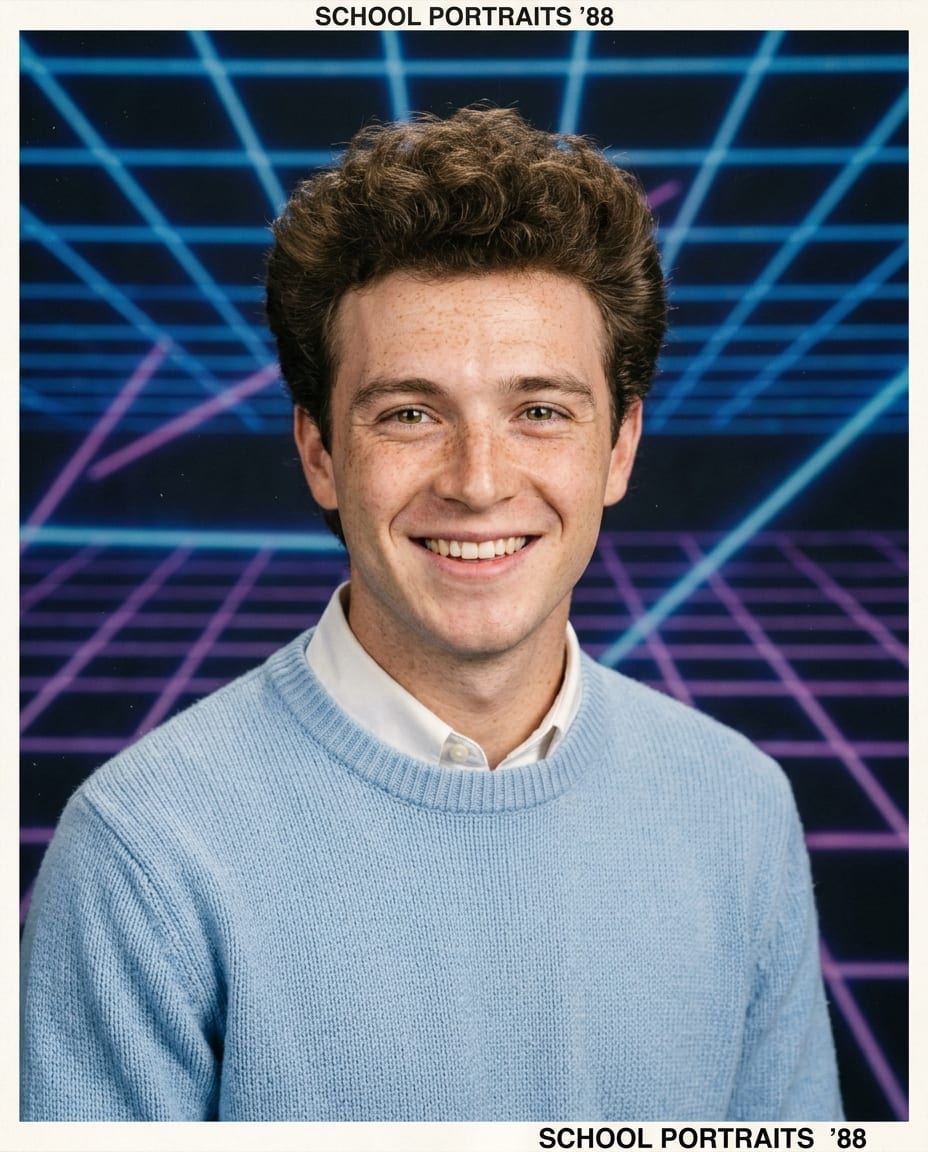
80s Retro Portrait: One Photo, One Click
Upload a photo and Remaker AI applies the 80s Retro Portrait look while keeping the subject recognisable.
The 80s Retro Portrait page runs a reviewed Nano Banana 2 edit instruction on your upload: no prompt to write, the same subject in every result, and a downloadable file in seconds. Pick 1K, 2K or 4K and up to four variations per request.
Make a 80s Retro PortraitOne upload, no promptSame subject, new look1K to 4KUp to four variations
How to use the 80s Retro Portrait tool
Three steps, no editing skills.
- 1
Upload your photo
A clear, well-lit photo with the subject easy to see works best. JPEG, PNG or WebP up to 20 MB.
- 2
Choose size and count
Pick the image size, 1K, 2K or 4K, and one to four variations. The credit quote updates as you change them.
- 3
Generate and download
The results appear in place and in your account history, each with a download button and no watermark.
Keep going
A 80s Retro Portrait result is a normal image in your account: edit it, upscale it or animate it.
Refine with Image to Image
Send the result to Nano Banana with your own instruction to tweak colour, crop or background.
Open the image editorAnimate it
Turn the look into an 8-second Veo 3.1 clip with sound in the video workspace.
Open AI Video80s Retro Portrait questions
Does the 80s Retro Portrait tool keep my face and pose?
The instruction asks the model to keep the person, pose and background and change only the look. Compare the result with the original and run again if anything drifted.
How much does 80s Retro Portrait cost on Remaker AI?
The credit quote for the selected model, resolution and number of images is shown in the workspace before you generate. Images are billed per result; confirmed failures return the credits.
Is 80s Retro Portrait on Remaker AI free?
Browsing is free. The Free plan runs a selected set of models at 1K with welcome and check-in credits; Starter, Pro and Unlimited plans unlock every model and resolution.
Do downloads have a watermark?
No. Every image downloads without a watermark on every plan, and you can use it in personal and commercial projects under our terms.
Are my uploads and results private?
Yes. Uploads and results are visible only in your account. Upload only images you have the right to use; Remaker AI does not offer face swapping.