
Sheru Bhai AI Video: Become the Lion Boss from One Photo
Upload one photo and Remaker AI turns you into Sheru Bhai, the AI lion boss with full swagger.
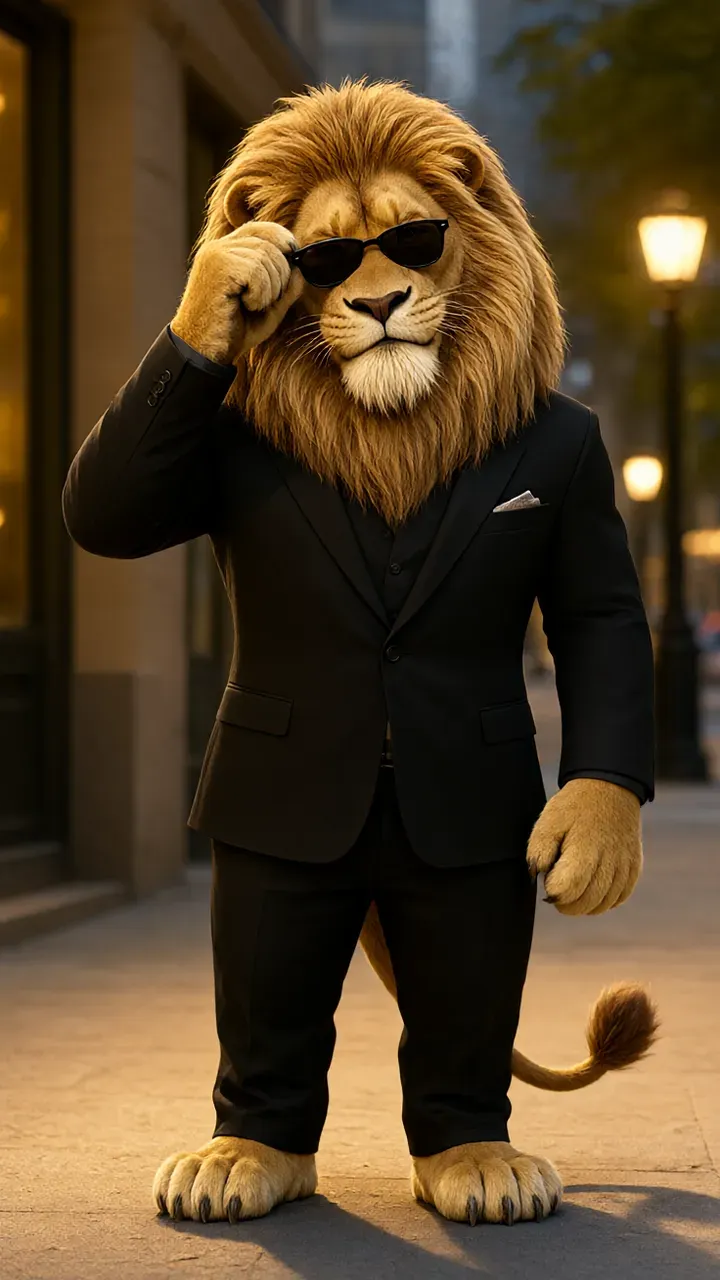
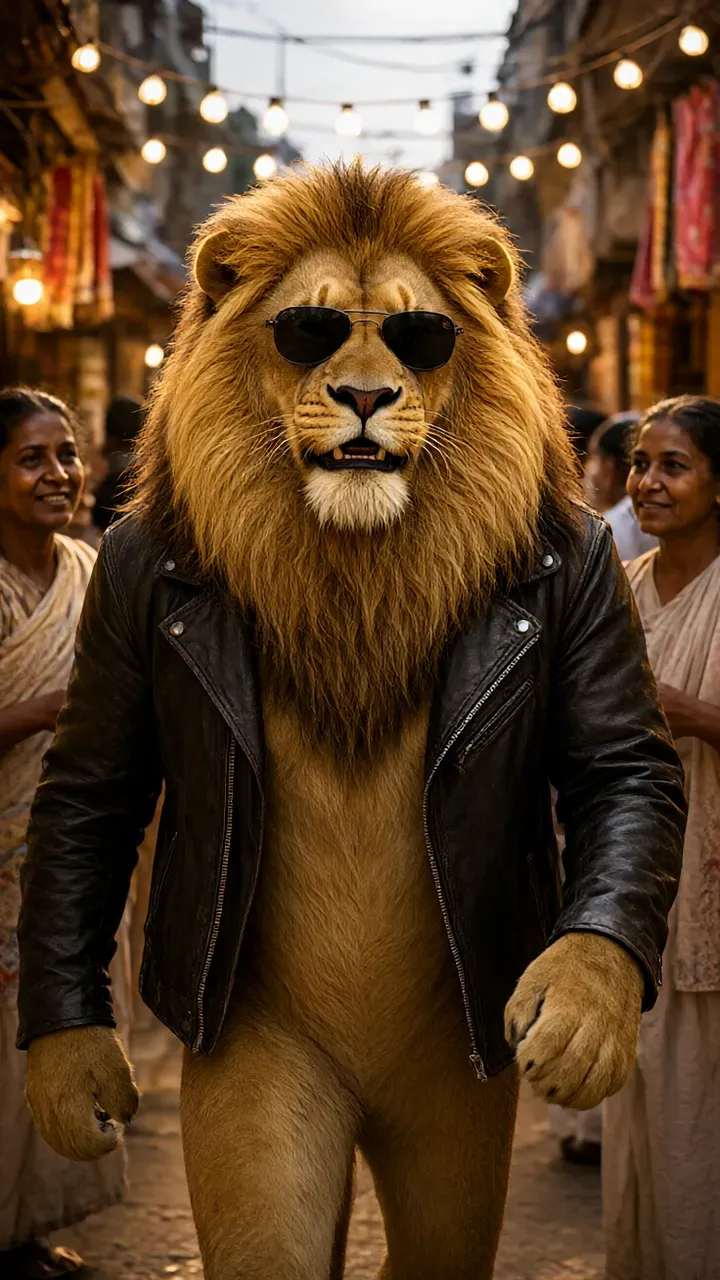
Sheru Bhai is the viral AI meme where a lion plays the boss: sharp suit, dark shades, slow walk, full bhai energy. This page runs a reviewed Veo 3.1 image-to-video instruction on your upload, so there is no prompt to write. Your photo becomes the first frame, then the lion boss takes over in an 8-second vertical clip with native audio, ready for Reels, Shorts and WhatsApp status.
Make my Sheru Bhai videoOne photo, no promptLion boss transformation8-second 9:16 clip with soundPrice shown before you generate
How to make a Sheru Bhai AI video
Three steps, no editing skills.
- 1
Upload your photo
A sharp, well-lit photo of yourself, face visible and looking at the camera, works best. One adult per photo; JPEG, PNG or WebP up to 20 MB.
- 2
Check the price
The required credits appear above the Generate button before anything runs. Sheru Bhai uses Veo 3.1 Fast image to video by default, 100 credits per clip, and needs a paid plan.
- 3
Generate and share
The clip renders in place and in your account history. Download the MP4 without a watermark and post it.
Keep going
A Sheru Bhai clip is a normal video in your account.
Fix the photo first
Brighten, crop or clean up the source photo with the AI photo editor before you turn it into the lion boss.
Open the image editorWrite your own shot
Want a different lion boss scene? Open the video workspace and describe your own Veo 3.1 clip.
Open AI VideoSheru Bhai AI video questions
What is Sheru Bhai?
Sheru Bhai is a viral AI video meme in which a lion called Sheru acts as the boss, with a suit, shades and plenty of swagger. This tool makes your own version from one photo.
How much does a Sheru Bhai video cost?
Each 8-second clip uses the published Veo 3.1 price: 100 credits on Veo 3.1 Fast, 150 on Basic and 200 on Premium. Yearly Starter takes 20% off, yearly Pro 40% off and Unlimited runs it at 0 credits. Confirmed failures return the credits.
Is there a free Sheru Bhai video?
No. Veo 3.1 video runs on paid plans only, so the Free plan cannot make a Sheru Bhai clip. The exact price is always shown before you generate, so nothing is charged by surprise.
Can I use a friend’s photo?
Only with their permission, and only photos of adults. Do not use photos of public figures or children, and do not present the clip as real footage.
Does the video include sound?
Yes. Veo 3.1 adds native audio on the same timeline as the picture: a deep, friendly roar and a short bass hit at the end.
Do downloads have a watermark?
No. Every clip downloads as an MP4 without a watermark, and you can use it in personal and commercial projects under our terms.